
ARTICLE
Context-Aware Development in Kiro: From Hallucination to Production
Discover how Kiro's context-aware development with MCP servers and agent steering tackles AI coding hallucinations, enhancing code reliability.
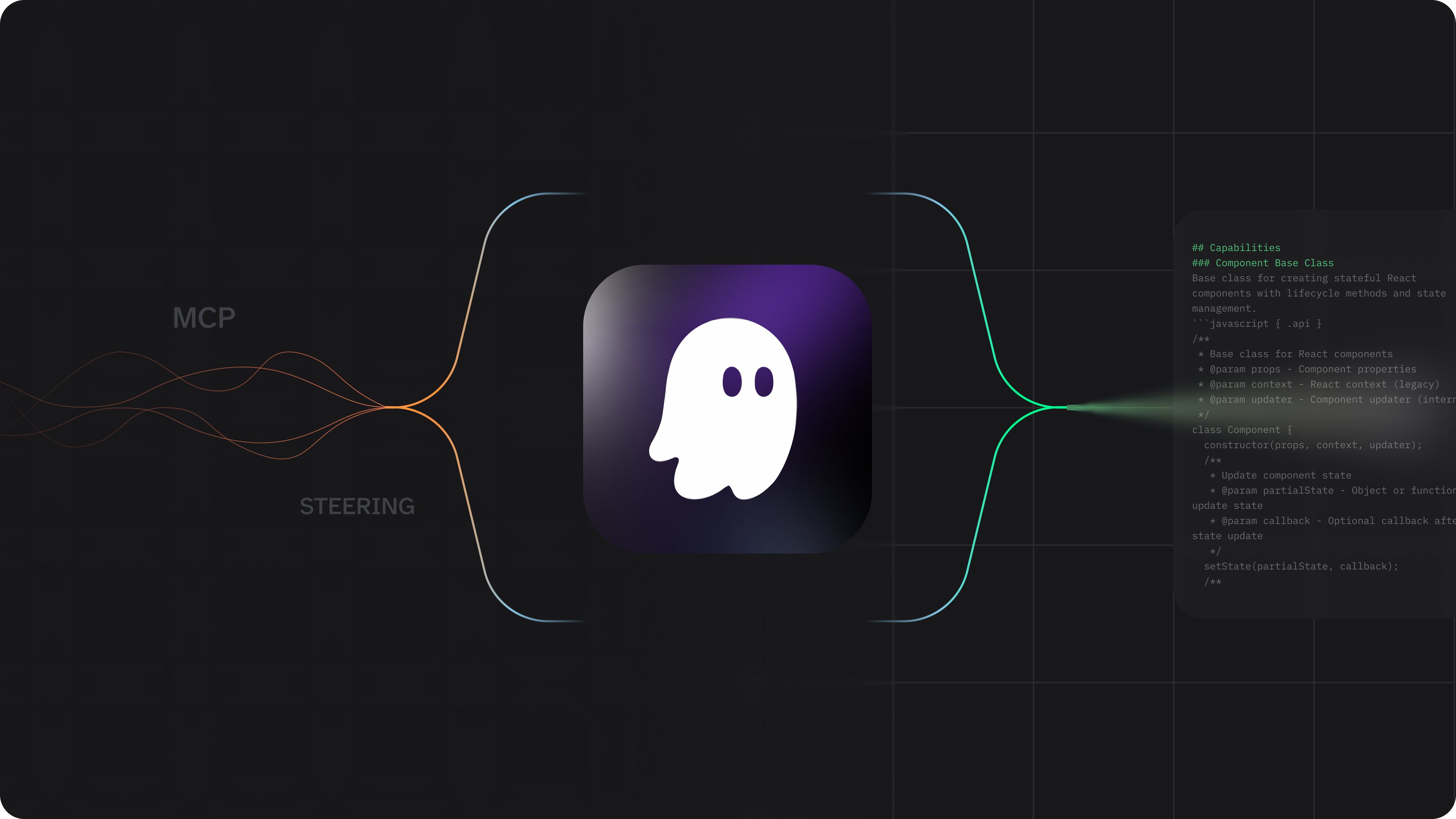
How Model Context Protocol (MCP) servers and agent steering enable AI coding tools to actually understand your codebase.
AI has changed how we code. But there’s a fundamental problem that persists: these models spit out code, yet there’s enormous oversight required. You’re never 100% sure if the output works correctly or actually matches your desired outcomes. It’s like working with a contractor who gives you thousands of variations depending on who you ask, when you ask, and how they’re feeling that day.
We’re bringing software development lifecycle best practices directly into the IDE to improve code reliability and reduce verification overhead typically required with AI-generated code. Today we want to show you what happens when you combine MCP servers, agent steering, and how you can apply context aware techniques to improve your experience when using AI coding tools.
The Hallucination Problem in Action
Let us demonstrate something that happens constantly with AI coding tools. We asked Kiro to build a simple agent using Strands Agents SDK that generates dad jokes. Strands is an open-source SDK from AWS for building agents.
The model immediately started generating JavaScript code. Syntactically correct JavaScript code that wouldn’t actually work with the Strands SDK. This is the reality of AI coding tools: they generate impressive-looking output that’s complete fabrication. The model hallucinated an entire SDK in the wrong language because it didn’t have the right context. It needed to use Python which was the only language supported by Strands at the time.
This is where rollback becomes essential. Kiro has checkpointing that lets you roll back to any snapshot in time. It’s not version control. It brings you back to the exact context state at that point. When we rolled back and approached the problem differently, the outcome changed entirely.
Model Context Protocol (MCP) Servers as Context Providers
The solution isn’t better prompting. It’s better context. We connected the Strands Agent MCP server to Kiro. MCP servers are capable of providing data such as documentation, current information, and capabilities that the base model doesn’t have in its training data.
Once connected, the model could access actual Strands documentation. It figured out we wanted to use Python. It understood the correct import patterns and agent structure. The same model that hallucinated JavaScript moments earlier now produced working Python code because it had access to authoritative information.
The pattern extends beyond documentation. If you need to connect to different systems via specialized APIs or other things in software development you can imagine, MCP servers are a great solution to provide the right context you need.
Agent Steering for Workspace-Specific Intelligence
Agent steering adds another layer of control through persistent markdown files that live in your workspace. Think of steering as your project’s memory - instead of explaining your conventions in every chat, steering files ensure Kiro consistently follows your established patterns.
Steering files live in .kiro/steering/ and can define:
- Technology Stack - Your chosen frameworks, libraries, and technical constraints. When Kiro suggests implementations, it prefers your established stack over alternatives.
- Project Structure - File organization, naming conventions, and architectural decisions that ensure generated code fits seamlessly into your existing codebase.
- Domain-Specific Standards - API design rules, testing approaches, or deployment procedures that only apply to certain file types.
There are three inclusion modes:
- Always included - Core standards that influence all code generation (your tech stack, coding conventions)
- Conditional - Automatically loaded when working with specific file patterns (e.g., component guidelines only load for
.tsxfiles) - Manual - Available on-demand by referencing them with
#steering-file-namein chat
Steering files can even reference live workspace files using #[[file:path/to/file]] syntax, keeping your AI context synchronized with actual code as it evolves.
From Prototype to Production in Minutes
Here’s what actually happened in our live demo. We started with a simple dad joke generator using Strands. The model, now properly informed via MCP, generated working code. We ran it multiple times and got different jokes: scarecrow jokes, elevator jokes, all functioning correctly.
Then we built a second agent: a dad joke judge that evaluates the jokes on a scale. To show how easy it is to deploy agents to production, we used Amazon Bedrock AgentCore, AWS’s managed runtime for deploying production AI agents. AgentCore transforms your Python functions into production-ready agents with built-in HTTP service wrappers, session management, and complete deployment workflows. Instead of managing infrastructure, you write your agent logic and deploy it with a single command.
Kiro easily built this when we provided this context: use the AgentCore MCP docs, use the Python AWS SDK, use Strands, ensure the payload format matches what AgentCore expects. Less than twenty lines of code deployed a production agent to AgentCore. Kiro wrote the code, handled the Bedrock Core app import, added the correct decorator, and triggered the deployment. We watched the agent appear in the AWS console with the timestamp showing it was just deployed.
The joke judge rated a dad joke 8 out of 10. Why not a 10? Because it didn’t think of it first. That’s exactly the kind of personality we wanted in our production agent.
The Broader Pattern
While we demonstrated with Kiro, Strands, and AgentCore, these concepts apply to whatever tools you prefer. MCP provides contextual resources to your AI coding tool. Agent steering guides the model’s decisions based on your workspace patterns.
The combination eliminates categories of errors. The model is less likely to hallucinate when you provide documentation via MCP. It structures code correctly when you’ve steered it toward specific patterns.
Taking Context to the Next Level: Spec-Driven Development
In our demo, we used vibe mode - conversational iteration with MCP and steering providing guardrails. It worked for a quick prototype. But for production features with complex requirements, there’s another level: spec-driven development.
Specs formalize the entire development process into three structured phases:
- Requirements - Define what you’re building and why, with clear acceptance criteria
- Design - Document the technical approach, architecture decisions, and correctness properties
- Implementation - Break work into tasks that Kiro executes while maintaining traceability back to requirements
This isn’t just documentation. Specs create a feedback loop where Kiro understands not just your codebase context (steering) and external knowledge (MCP), but the intent and constraints of the specific feature you’re building. You don’t see the AI drifting off-spec because the spec defines exactly what’s in scope.
Our colleague Al Harris, Principal Engineer on the Kiro team, gave a talk at the same conference about how specs evolved as we built Kiro itself. He walks through the journey from “vibing” with AI tools to structured development that scales to production systems. If you’re thinking about how to move beyond prototypes to production-grade AI-assisted development, his talk is essential viewing.
The path from hallucinating JavaScript to deploying production agents took about fifteen minutes with MCP and steering. Imagine what becomes possible when you add specs to define complex features with precision.
Want to try this yourself? Download Kiro and put MCP servers and agent steering to work in your own projects. We build what developers actually need. Share your feedback and help shape where we go next.
Want to see the full live demo?
Watch the complete AI Native DevCon Fall 2025 recording to see MCP integration and agent deployment in action.
COPY & SHARE

Onur Dogruoz
Onur Dogruoz leads Developer Advocacy at AWS, focusing on AI dev tools, with 20+ years building and scaling teams while driving tech adoption.

Jonathan Vogel
Jonathan Vogel is a DevOps Solutions Architect at AWS with 10+ years in software development. He’s passionate about enabling builders and enjoys climbing, birding, and music.
READING
·
0%
IN THIS POST
COPY & SHARE
Onur Dogruoz
Onur Dogruoz leads Developer Advocacy at AWS, focusing on AI dev tools, with 20+ years building and scaling teams while driving tech adoption.
Jonathan Vogel
Jonathan Vogel is a DevOps Solutions Architect at AWS with 10+ years in software development. He’s passionate about enabling builders and enjoys climbing, birding, and music.