ARTICLE
Sandboxing AI Coding Agents with lincubate
Discover how lincubate provides a sandbox for AI coding agents, ensuring clean, reproducible tests by isolating skills and configurations.

Alan Pope
At Tessl, we spend a lot of time working with agent skills. Writing them, testing them, tweaking them, running evals to see if they actually do what we think they do. You probably do something similar if you're spending any serious time with Claude Code, Codex, or any of the other AI coding agents that have colonised our terminals lately.
Here's a problem that crept up on me: my ~/.claude/ directory is a mess of skills, settings, and commands accumulated from a dozen different projects. When I sit down to test a new skill I've been writing, the agent is already carrying all that baggage. Skills from unrelated projects bleed in. Results are hard to interpret. Is this behaviour because of my new skill, or something else lurking in my config? It's the software equivalent of debugging with the wrong environment, except the environment is invisible.
What I needed was a clean room — somewhere I could run an agent with exactly the context I chose to give it, and nothing else.
That's the main reason I built lincubate.
The clean room problem
If you're writing and evaluating agent skills, reproducibility matters. Stray configuration from other projects — skills you installed last week for a completely different codebase — can skew your results in ways that are genuinely hard to spot. The agent might be doing something because of your carefully crafted new skill, or it might be doing it because of an old skill you'd forgotten about. Good luck figuring out which.
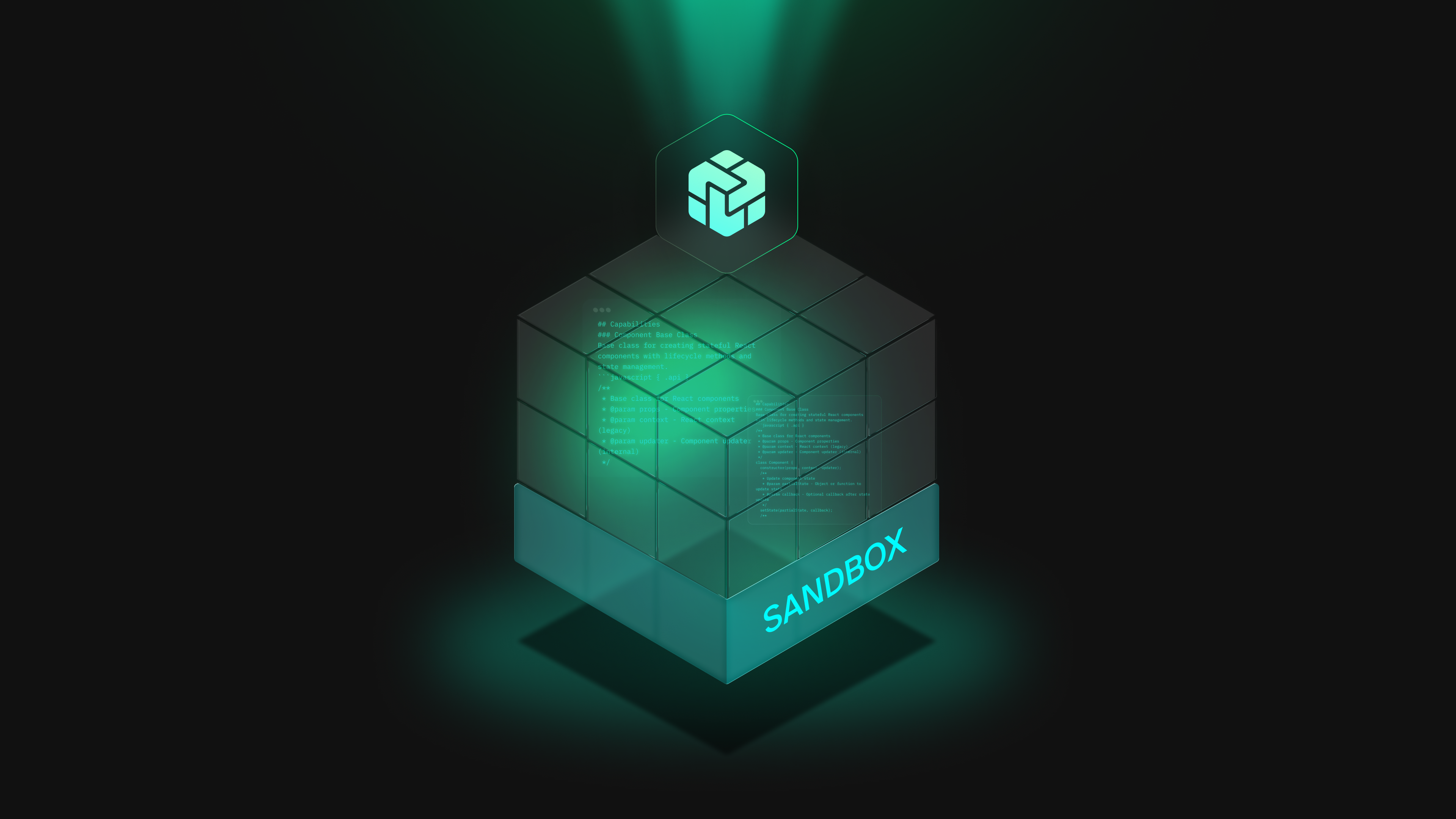
lincubate solves this by running the agent inside an LXD container, isolated from your host. Your project files are bind-mounted in so the agent can actually work on your code, but your ~/.claude/ directory? Not there unless you specifically ask for it.
The --allow-claude-skills flag opts you into sharing your host skills with the container. Without it, the container is a blank slate. The agent sees your project and nothing else — no accumulated config, no borrowed skills, no surprises. It turns sandboxing from a vague security concern into a practical focus tool.
Why LXD and not Docker?
Fair question, and I've been asked it a few times already.
Honestly? I'm an LXD person. I've been using it for years on my Ubuntu ThinkPad. It gives you a full system container — proper init, systemd, real user accounts — rather than wrapping a single process. It feels like a lightweight VM rather than a process in a box, which matters when an AI coding agent expects to operate in something that resembles a normal Linux system. Agents do all sorts of things: install packages, run build tools, start services. A full system container handles all of that without friction.
There's also a practical angle: on my ageing ThinkPad, LXD is noticeably lighter than Docker. Not enormously so, but enough that I notice it over the course of a day's work.
If you're a Docker person, none of this is meant as a dig. I'm just not, and I wrote the tool that fits my workflow.
What it actually does
The core usage is simple. From inside your project directory:
1lb claudeThat launches Claude Code in an LXD container. Your project files are bind-mounted in at /home/ubuntu/project with UID mapping, so file ownership works the way you'd expect. API keys get (optionally) forwarded as environment variables. Auth tokens can be copied or mounted read-only if you need them — it's all off by default.
One container per project directory. The container name is derived from your working directory, so running lb from the same place always targets the same container. You're not spinning up a fresh environment on every launch; if you stopped work yesterday and pick it up today, the container's already there waiting.
1lb         # Drop into a shell (no agent, useful for poking around)
2lb destroy # Tear down the current project's container when you're done
First run takes a few minutes — lincubate builds a base image with Node.js, common packages, and all supported agents pre-installed. After that, launches are fast.
Supported agents
Claude Code is the one I use most, but lincubate isn't opinionated about which agent you bring:
| Agent | Command |
|---|---|
| Claude Code | lb claude |
| OpenAI Codex | lb codex |
| Aider | lb aider |
| Gemini CLI | lb gemini |
| GitHub Copilot | lb copilot |
| OpenCode | lb opencode |
| Cursor (CLI) | lb cursor |
| Cursor (IDE / GUI) | lb cursor-gui |
The GUI option forwards X11/Wayland into the container, which feels like a minor miracle the first time you try it.
The rewrite
lincubate started as a Bash script. It worked, but it had the kind of accumulated jank that (my) shell scripts tend to develop when they get complicated — lots of string manipulation, too many calls out to the lxc binary, config files sourced as shell variables. I rewrote it in Go, using the LXD Go client library directly, with TOML for configuration. The result is a single static binary with no runtime dependencies and a lot less jank.
There were some fun gotchas along the way. su -l resets the environment, which broke credential forwarding in ways that took a while to track down. LXD occasionally returns a non-zero exit code on a successful container start, which had me questioning my sanity for longer than I'd like to admit. UID mapping (raw.idmap) isn't supported in every LXD configuration, so there's a graceful fallback. These are the kinds of things you only find out by running something properly for a while.
Try it
The code and release binary is at github.com/popey/lincubate. Build from source with just build, drop the binary somewhere on your path, and you're ready. I assume you already have LXD installed and configured locally or remotely.
Zero configuration required to get started. If you want to customise things — add packages to the base image, control which agents get pre-installed, add extra environment variables — generate a config file and edit it:
1lb generate-configThe generated file is fully commented, which I think is the bare minimum you should expect from any tool that writes config files on your behalf.
I talked about lincubate in more detail on Linux Matters episode 78.
If you're spending real time writing and evaluating agent skills, having a proper clean room makes a surprising difference. Give it a Go.
COPY & SHARE
Alan Pope
Building the AI Native Dev community. Self-taught coder, driven by curiosity and a love for problem-solving.
READING
·
0%
IN THIS POST
COPY & SHARE
Alan Pope
Building the AI Native Dev community. Self-taught coder, driven by curiosity and a love for problem-solving.
YOUR NEXT READ
New in Tessl Academy: Code Review Loops
Tessl Academy introduces Code Review Loops, a course on agentic code review, teaching skills like writing review lenses and handling pull requests in four concise lessons.
Alan Pope