
ARTICLE
Three Kinds of AI Agent. Only One of Them Lives in Your Browser.
Explore three types of AI agents, including browser-native ones, and discover why your browser might be the future of AI workflows. Learn more now!

Lars Trieloff
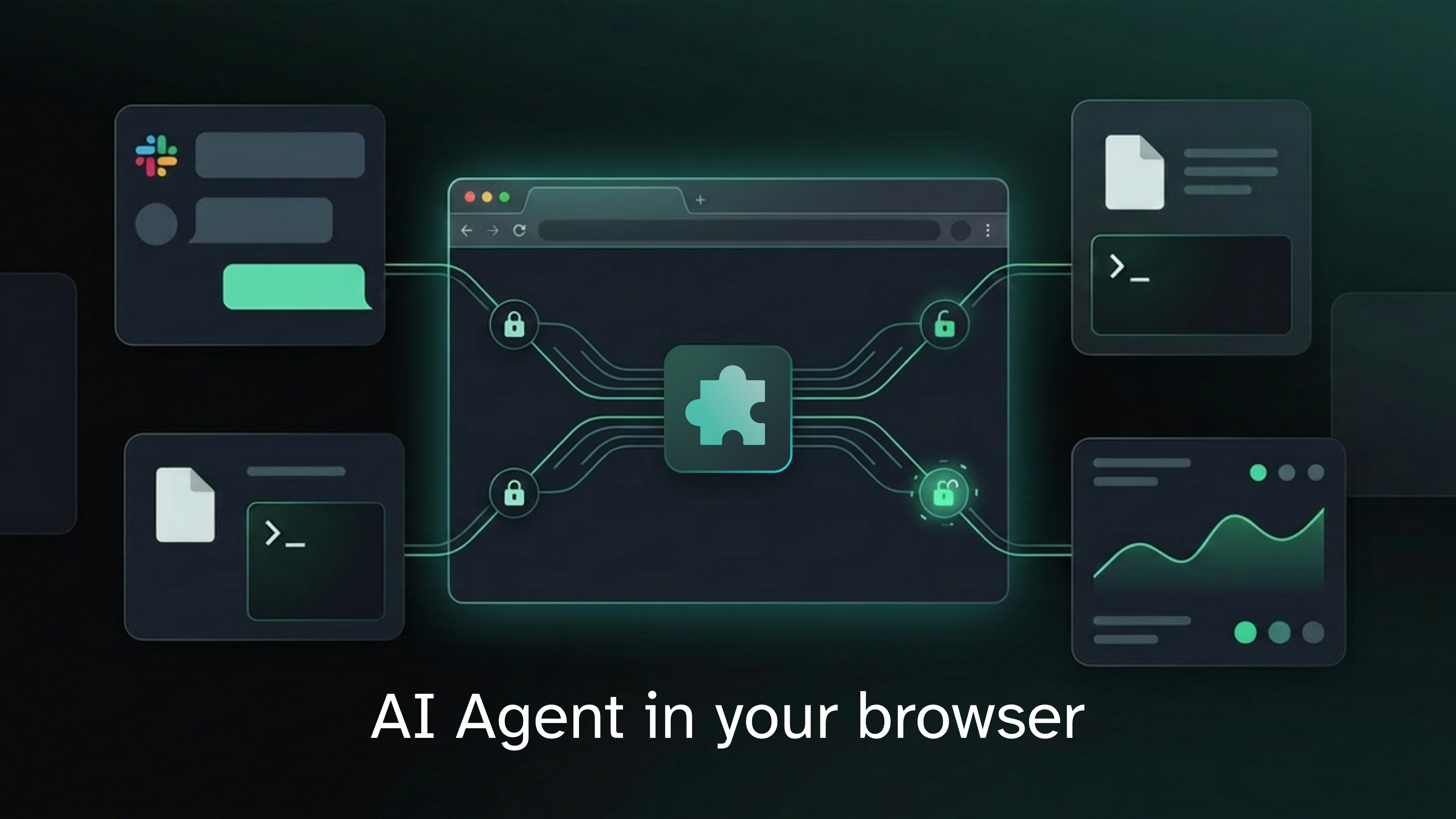
Raise your hand if you've had this experience: you ask an AI agent to look at a Slack thread. The AI agent is eager to please. Slack is open for connections, it has an API, and even an MCP. Your Slack admin says no. Or nothing at all, considering how overloaded Slack admins are.
Raise your hand if you've seen this: the unavoidable product that your company makes you use for your work now has an AI agent. It's sitting right there, in a little chat bubble, or in a panel on the right side of the screen. Great. Unfortunately, it's also dumb, as the makers of the agent found that intelligence costs too many tokens. It also knows nothing about you. And if you ask it to do anything outside the scope of its little universe, it's utterly useless.
And this is exactly the kind of tension I want to talk about at DevCon this June 1st. I'll be speaking about browser-native agents, self-contained agentic runtimes, and why the web browser might quietly become the most practical operating system for AI workflows. The session is essentially a deeper exploration of the ideas in this post: what happens when the agent doesn't live in somebody else's cloud sandbox, but directly inside the environment where your work already happens.
Raise your hand if you are building an AI agent yourself: you are exhilarated by the powers of agentic tooling. You are also terrified by the powers of agentic tooling. And now you are reaching for a sandbox in the cloud. And now you are learning that inference is not the only kind of compute that's expensive.
Big sandbox will tell you this is inevitable. Big agent will tell you to suck it up. And your Slack admin is still ignoring your request.
But this wouldn't be a real blog post if I wouldn't tell you that the conventional logic is wrong. And this wouldn't be a blog post I'd care to write if it wasn't a little bit self-referential.
So: the conventional logic is wrong and I'm your designated contrarian to show you why. In my day job, I build systems that run some of the largest sites in the world. And I still believe the web is underrated. And I'm here to prove it. And for that, I built SLICC, an agent that runs in your browser.
If you've been following along the industry consensus, you'll hear "I build a web app that shows an agent running in the cloud", but that's not what's happening. In SLICC, the core agentic loop is running in the browser (or in a Chrome extension) and is making all LLM calls from there. Close the browser tab, and the agent is gone. This is possible because agents are just glorified while-loops and your browser is able to run the code for it.
while (true) {
  // do agent stuff
}
If you still remember how to read code, you'll recognize this as Javascript, a world-famous toy programming language. You might think that this means our agent is only useful for toy problems and more constrained than a flight captain's apprentice in an ERP system. But no: you can implement the part of bash that coding agents actually find interesting, and trick your agent into running ls, find, grep, sed, and awk as if it was a bona-fide UNIX workstation. Give it access to an IndexedDB and it might even think there is a persistent file system. And now you get git running in the same browser tab and it starts to feel familiar for an LLM fine-tuned to become a helpful assistant with a severe case of "I'm going to replace you with a very short shell script".
You've seen how coding agents work, you know that there is no task they wouldn't want to turn into a shell script (or a python program, if you prefer GPT). There is a Python that's compiled to WASM, so let's give them the tools they crave.
But what turns this from a somewhat cute tech demo into a real tool is the trick that I've used in the intro: being self-referential. Take the Chrome Debug Protocol (that's the magic that powers your browser-control MCPs, Puppeteers, or even web scrapers), reflect it through a little local proxy, and put it into the familiar shape of the playwright CLI, and suddenly you've got an agent that's running in the browser, and it's able to control the browser it's running inside to boot. And this kind of self-referentiality isn't just cool, it's also delicious.
Once you have an AI agent that is truly browser-native, suddenly each web app becomes an open API once you've logged in. What used to be an integration task becomes a skill issue, and you are just a very short Markdown file away from integrating two web applications that their creators never thought of integrating and whose business development teams aren't even connected on LinkedIn.
If you are building AI systems, agents, or workflows, I want you to stop overlooking the obvious: your web browser might be the best operating system, sandbox, and agentic harness and it's right there for you.
COPY & SHARE
Lars Trieloff