ARTICLE
Your skill works on opus. Does it make haiku worse? Benchmarking AI skills across Claude models
Discover how to benchmark AI skills across Claude models. Learn if your skill enhances or worsens performance. Start optimizing today!

Simon Maple
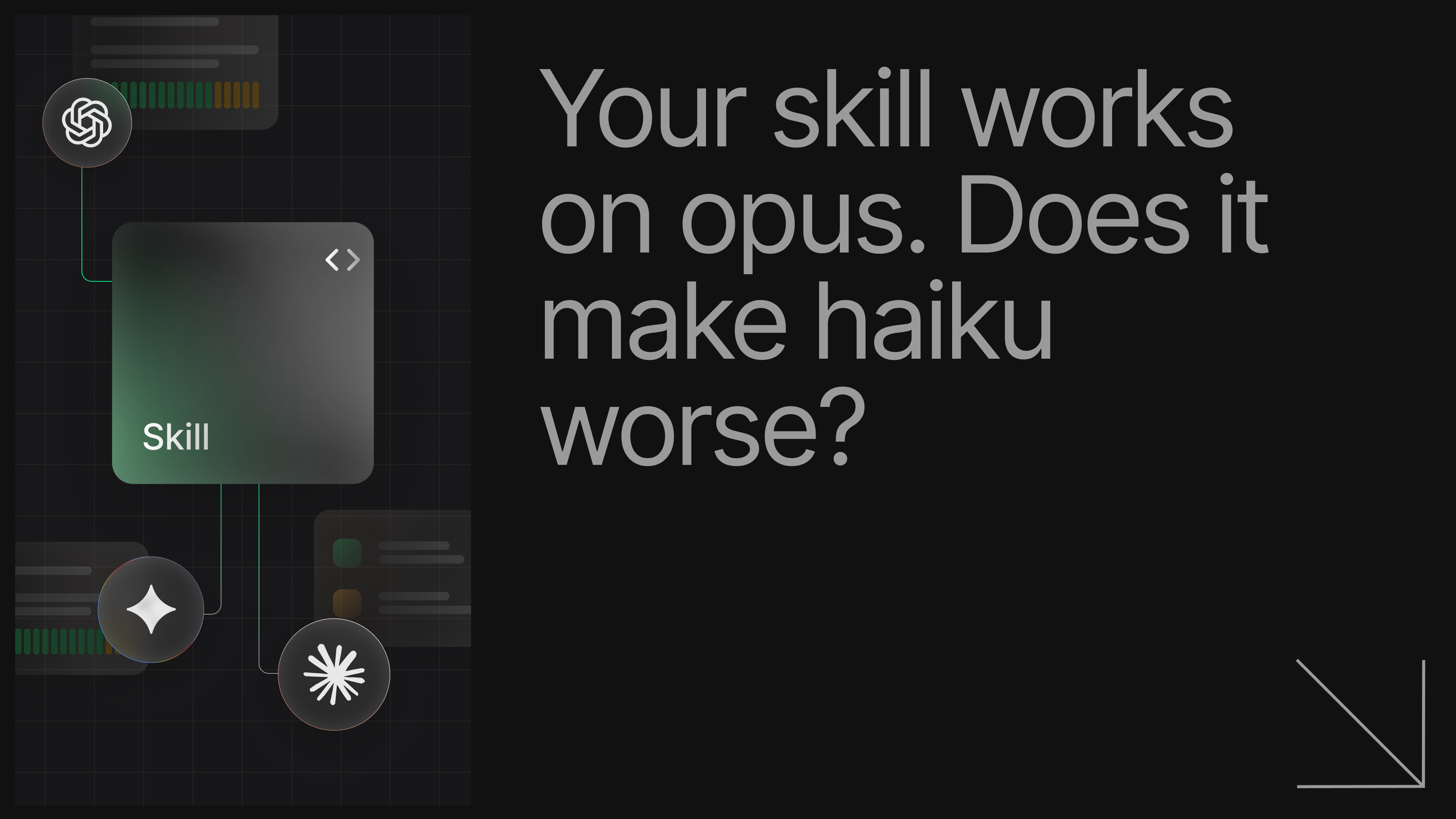
You've written a skill. It tells your AI agent how to use Fastify, or structure Node.js projects, or write native addons. But here's the question nobody asks until it's too late: does it actually work? And more importantly, does it work on the model you or your users are running?
Today we're launching review-model-performance, a new Tessl skill that answers both of those questions in one request.
The problem with "it works on my machine"
It works for me. We’ve all heard that phrase, and probably said it more than once. Most skill authors test their skill once, on one model, on a task they already had in mind when writing it. That's not a benchmark, it’s confirmation bias with extra steps.
The real questions are harder:
- Does the skill improve outcomes compared to no skill at all?
- Does it work on
claude-haiku-4-5, or only onclaude-opus-4-6? - Are there specific behaviors your skill is supposed to teach that no model is picking up?
- Is your skill making anything worse?
Without a structured way to answer these, you're flying blind every time you ship a skill update.
This blog will walk you through the steps I took to run these evals. If you’re trying to do this from scratch, take a look at the Getting Started section at the end of this post in case there’s other config you require setting up.
Step 1: Installing the review-model-performance skill
Using Tessl, it’s pretty straightforward to install a skill. I already have Tessl installed, so no need for me to run curl -fsSL https://get.tessl.io | sh again.
I’ve already navigated to the project with my skill, so I can run tessl i tessl-labs/review-model-performance.
You can see the skill is installed, and available for Claude to use, among other agents I commonly use
Next I simply ask Claude to use my newly installed review-model-performance skill to eval my Fastify skill. The first thing it does is look for eval scenarios and create them if they don’t exist.
Evals that write themselves
The biggest obstacle to benchmarking a skill has always been writing the evals. Most people skip it because constructing good scenarios and graded criteria by hand is tedious, slow, and requires you to anticipate every edge case.
review-model-performance generates task scenarios directly from your skill's content, rather than trying to hand-craft made up examples. Let’s take a Fastify skill (created by the maintainer Matteo Collina, no less!) that produces scenarios like "a fintech startup needs environment-aware config without committing secrets" or "an e-commerce team wants TypeBox schemas with end-to-end type safety and inject() tests."
Each scenario comes with a graded checklist of specific, verifiable behaviors the solution should exhibit, things like "uses @fastify/type-provider-typebox" or "registers close-with-grace for shutdown."
How the benchmark works
Now you have some eval scenarios, the benchmark runs your skill through a full eval pipeline across three models, haiku-4-5, sonnet-4-6, and opus-4-6. This produces a side-by-side comparison of the eval results. Note, this can take a bit of time, as it uses each model to run through tasks from the scenarios and then scores the results.
Run every scenario with and without your skill
Each scenario runs on the bare model (no skill installed) and again with your skill loaded. High baseline scores tell you the model already knows this domain and your skill adds little additional value. Low baselines and low "with skill" scores means the model struggles both with and without your skill to be successful, so you need to improve the skill. Finally, a low baseline with high "with skill" scores tell you your skill is genuinely moving the needle. Congrats, you no longer need to rely on anecdotal evidence!
Step 2: Run the eval and get the comparisons
I ran this against three skills which Matteo recently released, first the fastify-best-practices skill that you see above, and then I followed up with a couple of others, namely node-best-practices, and nodejs-core. The results were very interesting, and in one case, important to action. First of all I’ll show you the results in my Claude terminal and then we can dig into the results.
We can see the tabulated results for all models. With and without the skill, followed by a breakdown across the scenarios. We also break the scenarios down to show you what evaluation criteria passed and failed:
Let’s look in more detail, starting with the high level results. fastify-best-practices showed strong, consistent improvement across all models:
| Model | Without Skill | With Skill | Delta |
|---|---|---|---|
| haiku-4-5 | 34% | 89% | +55pp |
| sonnet-4-6 | 49% | 97% | +48pp |
| opus-4-6 | 58% | 100% | +42pp |
The low baselines confirm that Fastify-specific patterns, like env-schema for config, @fastify/under-pressure for backpressure, close-with-grace for graceful shutdown, piscina for CPU-bound work, aren't things models know reliably without guidance. The skill fixes that dramatically, and opus-4-6 leads the results. The most significant data point is how haiku struggles without the skill, although it can get pretty close, with greater gains with the skill installed.
nodejs-core told a different story:
| Model | Without Skill | With Skill | Delta |
|---|---|---|---|
| haiku-4-5 | 89% | 93% | +4pp |
| sonnet-4-6 | 95% | 100% | +5pp |
| opus-4-6 | 94% | 97% | +3pp |
Baselines in the high 80s and 90s. The skill barely moves the needle, most likely because V8 internals, N-API patterns, and Node.js commit conventions are already well-represented in these models' training data. This is useful information too: it suggests that the skill isn't providing as much value and you might want to redirect that context usage.
Optimizing via the per-criterion breakdown
The per-criterion view is where the benchmark earns its keep. As we don’t just want to learn where things are rosey, but rather how we can optimize and improve our context.
Take the async concurrency scenario results below from node-best-practices.
| Model | Without Skill | With Skill | Delta |
|---|---|---|---|
| haiku-4-5 | 30% | 75% | +45pp |
| sonnet-4-6 | 55% | 88% | +33pp |
| opus-4-6 | 57% | 84% | +27pp |
Overall scores across all criteria were ok, but drilling into the criteria told a different story:
| Criterion | haiku | sonnet | opus |
|---|---|---|---|
| stream pipeline | 🔴 0% | 🔴 0% | 🔴 0% |
| Async generator transform | 🔴 0% | 🔴 0% | 🔴 0% |
| LRU or async-cache-dedupe | 🔴 0% | 🔴 0% | 🔴 0% |
Each of these criteria shows a solid fail across every model, with the skill loaded. This universal gap means the problem is in the skill content, not in model capability. No amount of switching to a smarter model will fix this. The skill simply doesn't teach these patterns clearly enough for any model to apply them.
When you see this pattern, the fix is in the skill: add more explicit examples, clarify the instruction, and re-run. The review-model-performance skill offers suggestions for how to improve your skill. In this case I got the following advice after the data was shown:
1Diagnosis
2
3 node-best-practices
4
5 Pattern A — 3 universally failing criteria (all models, with skill):
6
7stream pipeline — 0% across haiku/sonnet/opus. The skill covers async generators conceptually but doesn't give a concrete pipeline() +
8
9 async generator transform example. Top priority fix.
10
11Async generator transform — 0% across all models. Related: needs an explicit async function* transform pattern for streams.
12
13LRU or async-cache-dedupe — 0% across all models. The caching.md rule likely mentions async-cache-dedupe but not in a context that applies to streams/CSV processing.
The loop needs to be tight. Edit your skill content, run the benchmark again, and watch whether the performance of the agents move for each model. Without a benchmark like this, you'd never see this. You'd just get subtly wrong agent outputs and become frustrated, probably blaming the agent.
Regressions: when your skill makes things worse
The most surprising finding from our runs was a regression in nodejs-core. On the commit message scenario, the skill decreased scores for haiku and opus:
| Model | Without Skill | With Skill | Delta |
|---|---|---|---|
| haiku | 90% | 86% | -4pp |
| sonnet | 100% | 100% | +0pp |
| opus | 97% | 90% | -7pp |
The culprit: the skill's instructions around Refs: footers were confusing two of the models into omitting them. This is an example of behavior becoming worse with the skill than without it.
This is exactly the kind of regression that's invisible in normal testing and frustrating in day to day development. The benchmark catches it before your users do. In this case, the fix was a one-line clarification in the skill content, but you can only make that fix if you know the regression exists.
Getting started
To run these benchmarks yourself, first install tessl
1curl -fsSL https://get.tessl.io | shYour skill needs to be contained within a tile (a package of context, think plugin) with a tile.json for the eval to run. If you don’t have this already, run the import command. Note you must have publishing access to the workspace you pass as an argument.
1tessl skill import ./<directory with SKILL.md> --workspace <myworkspace>Make sure you’re in the project that contains the tile with the skills you want to evaluate and next install the tessl-labs/review-model-performance skill.
1tessl i tessl-labs/review-model-performanceFrom within your agent of choice, ask it to evaluate your skill!
1> Hey claude, use my review-model-performance skill to evaluate my Fastify skill.The benchmark will assess your skill, generate scenarios, and kick off the three-model comparison. You should soon have a results matrix with per-model, per-scenario, and per-criterion scores, plus a summary of any regressions flagged for review.
When you see a universal gap or a regression, the workflow is the same: fix the skill content, run again, compare. That feedback loop is what turns a skill from something that exists into something that works.
You can use Tessl right now to benchmark Claude models for your own skills, and even your specific environment. It’s free to create an account and easy to get started. For more information, check out our documentation.
COPY & SHARE
Simon Maple
Simon Maple is the Head of Developer Relations at Tessl, and AI Native Dev co-host. Previously, Simon was the Field CTO, and VP Developer Relations at Snyk, ZeroTurnaround, and IBM. He became a Java Champion in 2014, JavaOne Rockstar speaker in 2014 and 2017, Duke’s Choice award winner, Virtual JUG founder and organiser, and London Java Community co-leader.
READING
·
0%
IN THIS POST
COPY & SHARE
Simon Maple
Simon Maple is the Head of Developer Relations at Tessl, and AI Native Dev co-host. Previously, Simon was the Field CTO, and VP Developer Relations at Snyk, ZeroTurnaround, and IBM. He became a Java Champion in 2014, JavaOne Rockstar speaker in 2014 and 2017, Duke’s Choice award winner, Virtual JUG founder and organiser, and London Java Community co-leader.
YOUR NEXT READ
Anatomy of an Agentic Code Review
Explore how coding agents transform code review processes by increasing PR volumes, highlighting the need for agentic workflows to handle rapid development cycles.
Simon Maple