ARTICLE
Verifiers: enforce your repo's rules on every agent change
Enforce repo rules on every agent change with Tessl Verifiers. Automate checks beyond linting to catch issues early. Learn how to implement them.
Authors: @Amy Heineike and @Simon Maple
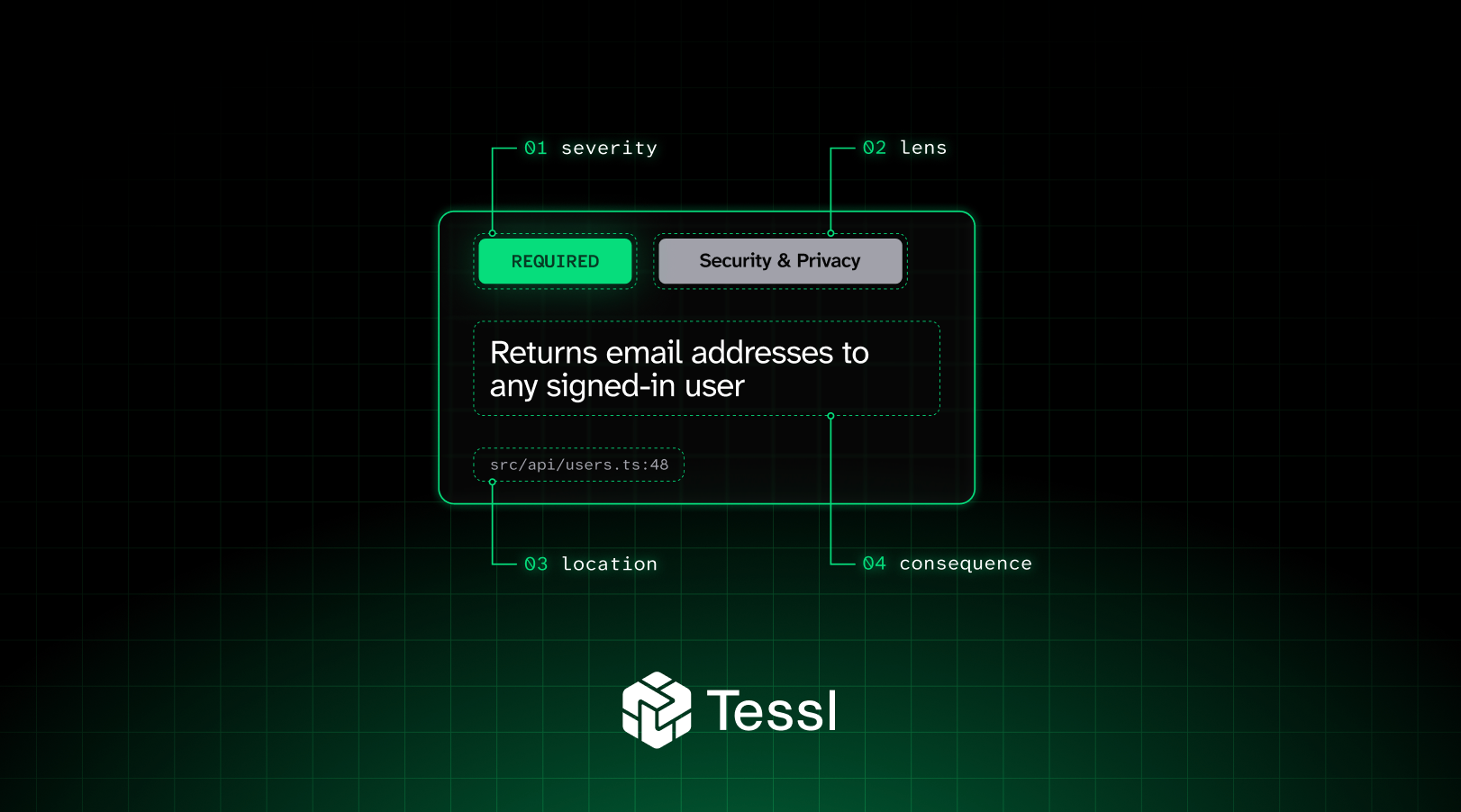
Tessl Verifiers are rules written in plain text that live in your repo, and are checked on every code change. Each time they run, they return a pass or fail, so you can use verifiers the same way you use lint or tests today: locally, in pre-commit, or as a CI gate. They're meant for rules a linter can't check, like "user-facing errors must tell the user what to do next."
They're currently available right now in GA, and you can read the docs to get started.
Why we built them
Most teams already have written coding standards for their agents. Perhaps they state which helper should be used, or which APIs should and shouldn't be called, and of course security best practices like never log a token. Agents often follow these rules well, but they won't catch everything, every time. When a rule slips, you usually won't find out till code review, or even later.
Linters can't help with most of these rules, because theycan check deterministic rules. AI code review can catch them, but review looks for general problems across a PR and won't reliably check the same rule on every run. At Tessl, we needed something in between: a check that both understands your code, and deterministically runs the same rules every time, guaranteed.

How they work
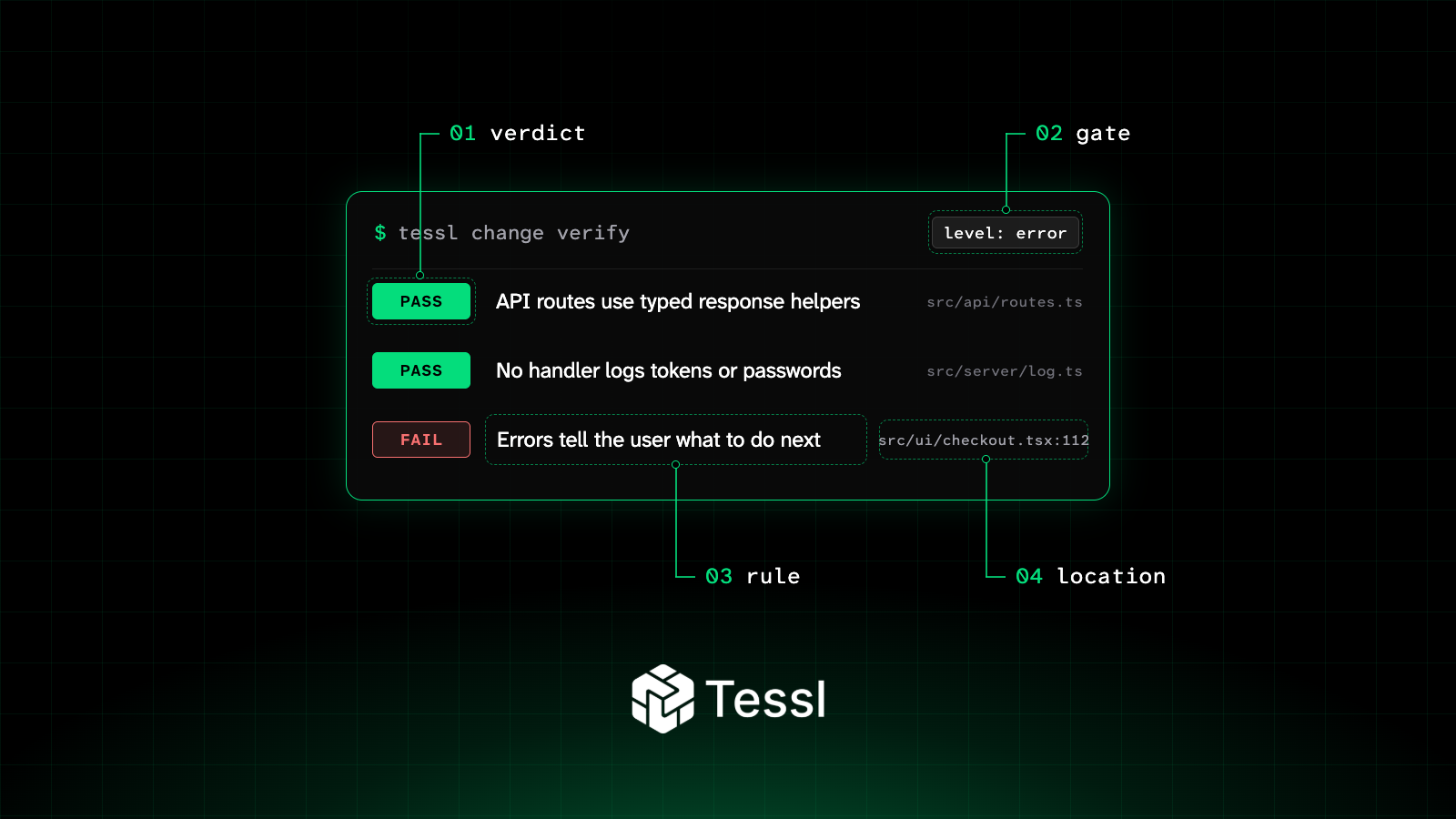
A verifier is a JSON file in your repo. It holds an instruction, the conditions for when it applies, and a checklist of yes-or-no rules. When you run tessl change verify, an LLM judge reads the relevant files and scores each rule as pass or fail.
The files a verifier applies for, and how strict it is, is set in the verify block of tessl.json. Each group gets a level of info, warn or error. In CI, warnings are reported but don't fail the build. Errors exit non-zero and can block the PR. Because scope and severity live outside the verifier itself, you can reuse one verifier across teams with different settings.
By default, tessl change verify only checks files the current change touches. If you edit a verifier or its config, it re-checks everything that verifier covers. To audit the whole project, run it with --all, and add --recursive in a monorepo.
The default judge is openai/gpt-6-luna. We also support the new Jev model, in case you feel it's more appropriate for speed, cost or accuracy, which returns a verdict and a confidence score for each rule without written reasoning. You can toggle model choice at the command line using the --model jev flag.
When to use one
A verifier is a good fit when the rule has a clear yes-or-no answer, you can see the evidence in the changed files, and no linter or test can check it reliably. If a linter can do the job, use the linter.
Some examples that work well:
- Every API route uses your typed response helpers
- Every user-facing error message tells the user what to do next
- No handler logs request headers, tokens or passwords
Verifiers don't work well for subjective questions like "is this readable?" Narrow the rule until you could check it with a checklist.
It helps to think of verifiers alongside the other tools you already use. A rule tells an agent what to do before it writes code. A verifier checks the result afterwards. They work well as a pair: the rule teaches the pattern, and the verifier catches the cases where the agent didn't follow it.
Try it
Install the verify plugin:
1tessl install tessl/tessl-verifyThen ask your agent for a verifier:
1Create a verifier that checks every user-facing error message
2includes a next step for the user.
The plugin's skill helps your agent write the verifier, set its scope and add a CI gate. The scope ends up in tessl.json:
1"verify": {
2  "groups": {
3    "core": {
4      "path": "verifiers/*.json",
5      "level": "error",
6      "include": ["src/**/*.ts"],
7      "exclude": ["**/*.test.ts"]
8    }
9  }
10}
Run it locally against a PR:
1tessl change verifyWhere to run them
Most teams start in CI. The Verify agent changes in CI guide walks through setting up a pull request gate. You can also run verifiers in a pre-commit hook, or have your agent run them before it opens a PR. We don't push you toward any one setup.
We'd suggest starting at warn level so you can see how a verifier behaves on real PRs. Once you trust it, move it to error.
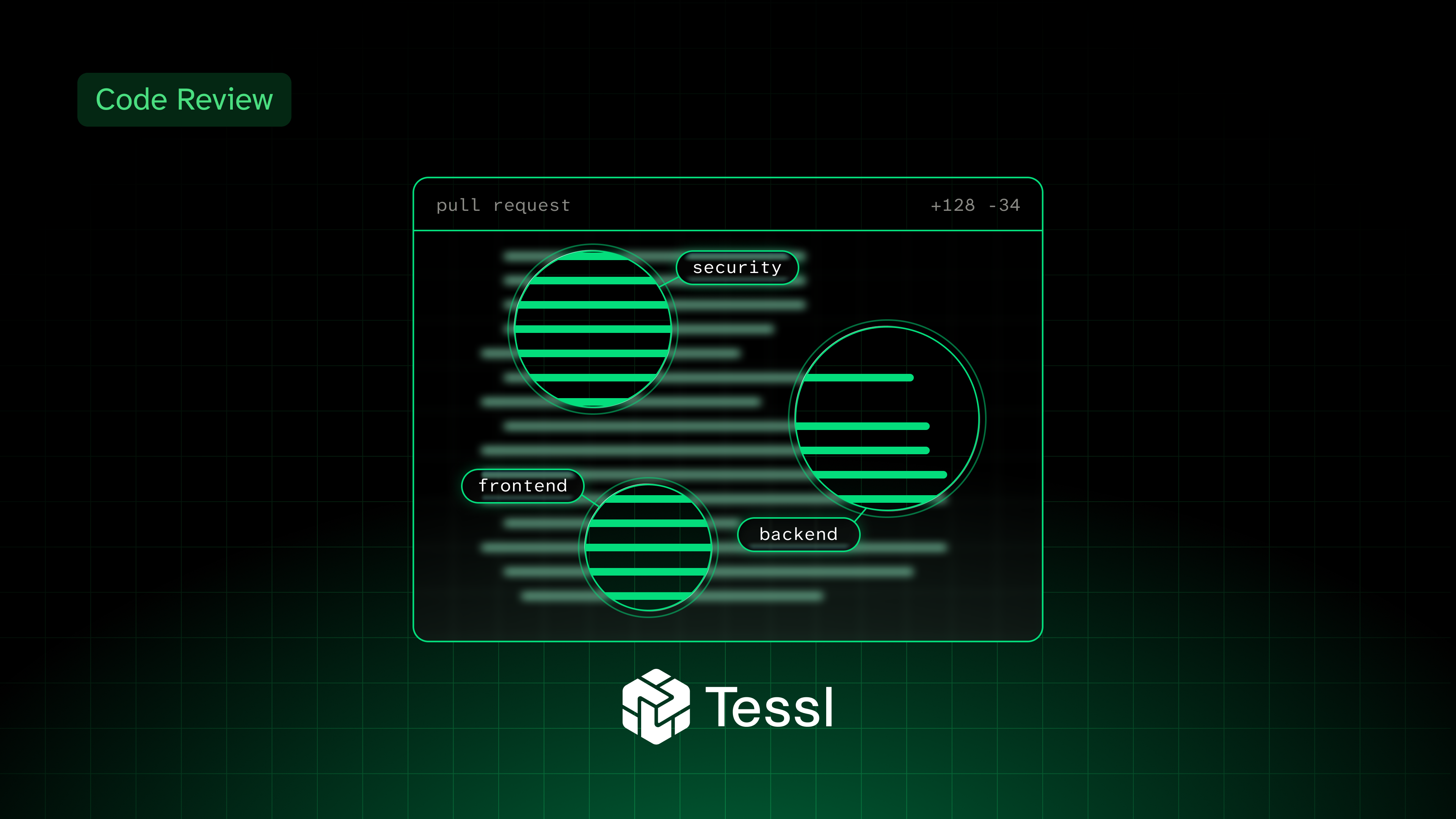
Verifiers are separate from Tessl Code Review, and they work well together. If reviewers keep leaving the same comment, that comment is probably a good candidate for a verifier.
Get started
- Install the Tessl CLI and sign in.
- Run
tessl install tessl/tessl-verifyand ask your agent to write your first verifier. - Run
tessl change verifylocally, then add it to CI atwarnlevel. - Move it to
erroronce you're happy with the results.
Verifier runs are free to try. The verifiers docs cover the full configuration.
We use Tessl verifiers extensively on our own codebase, and find them a considerable advance as a check as well as guiding an agent to write better code. We'd love to hear how you got on with them, so why not let us know on discord!
Related blogs
COPY & SHARE

Amy Heineike
Amy is Founding AI Engineer at Tessl. She was previously the VP of Engineering at 7bridges and Primer.ai as well as Director of Mathematics and Machine Learning at Quid.

Simon Maple
Simon Maple is the Head of Developer Relations at Tessl, and AI Native Dev co-host. Previously, Simon was the Field CTO, and VP Developer Relations at Snyk, ZeroTurnaround, and IBM. He became a Java Champion in 2014, JavaOne Rockstar speaker in 2014 and 2017, Duke’s Choice award winner, Virtual JUG founder and organiser, and London Java Community co-leader.
READING
·
0%
COPY & SHARE
Amy Heineike
Amy is Founding AI Engineer at Tessl. She was previously the VP of Engineering at 7bridges and Primer.ai as well as Director of Mathematics and Machine Learning at Quid.
Simon Maple
Simon Maple is the Head of Developer Relations at Tessl, and AI Native Dev co-host. Previously, Simon was the Field CTO, and VP Developer Relations at Snyk, ZeroTurnaround, and IBM. He became a Java Champion in 2014, JavaOne Rockstar speaker in 2014 and 2017, Duke’s Choice award winner, Virtual JUG founder and organiser, and London Java Community co-leader.
YOUR NEXT READ
Add agentic code review to your repos in 5 minutes
Learn how to set up an automated code reviewer in minutes, using Tessl Code Review to evaluate pull requests based on your team's standards and improve code quality.
Simon Maple