
tessl-master/tessl-master
Tessl Master Skills
73
92%
Does it follow best practices?
Run evals on this skill
Adds up to 20 points to the overall score
View guide

Low
Low-risk findings worth noting
connect-tessl-to-github.mddocs/distribute/rollout-to-your-repositories/
Connect Tessl to GitHub
To enable Tessl on your repositories, you will first navigate to the Tessl Registry and login, if required.
Enabling the Integration
-
Select your workspace from the selector on the left side menu.

-
Click on Integrations from the menu

.
-
Select Enable Integration.

-
Select Configure next to the Organization to add the Tessl App to. Accounts that already have Tessl will not have the option.
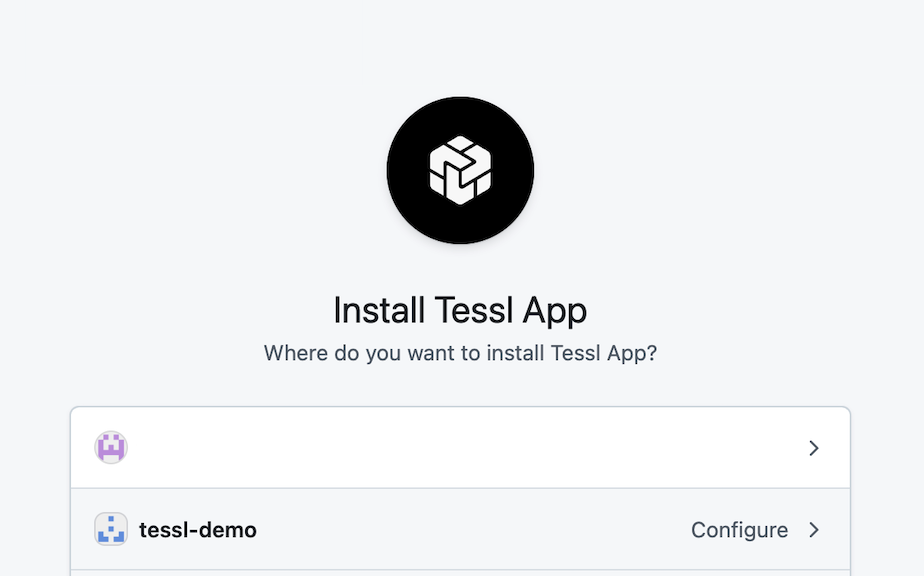
-
Decide if you want to authorize Tessl on specific repositories or provide access to everything. Once selected, click Install & Authorize
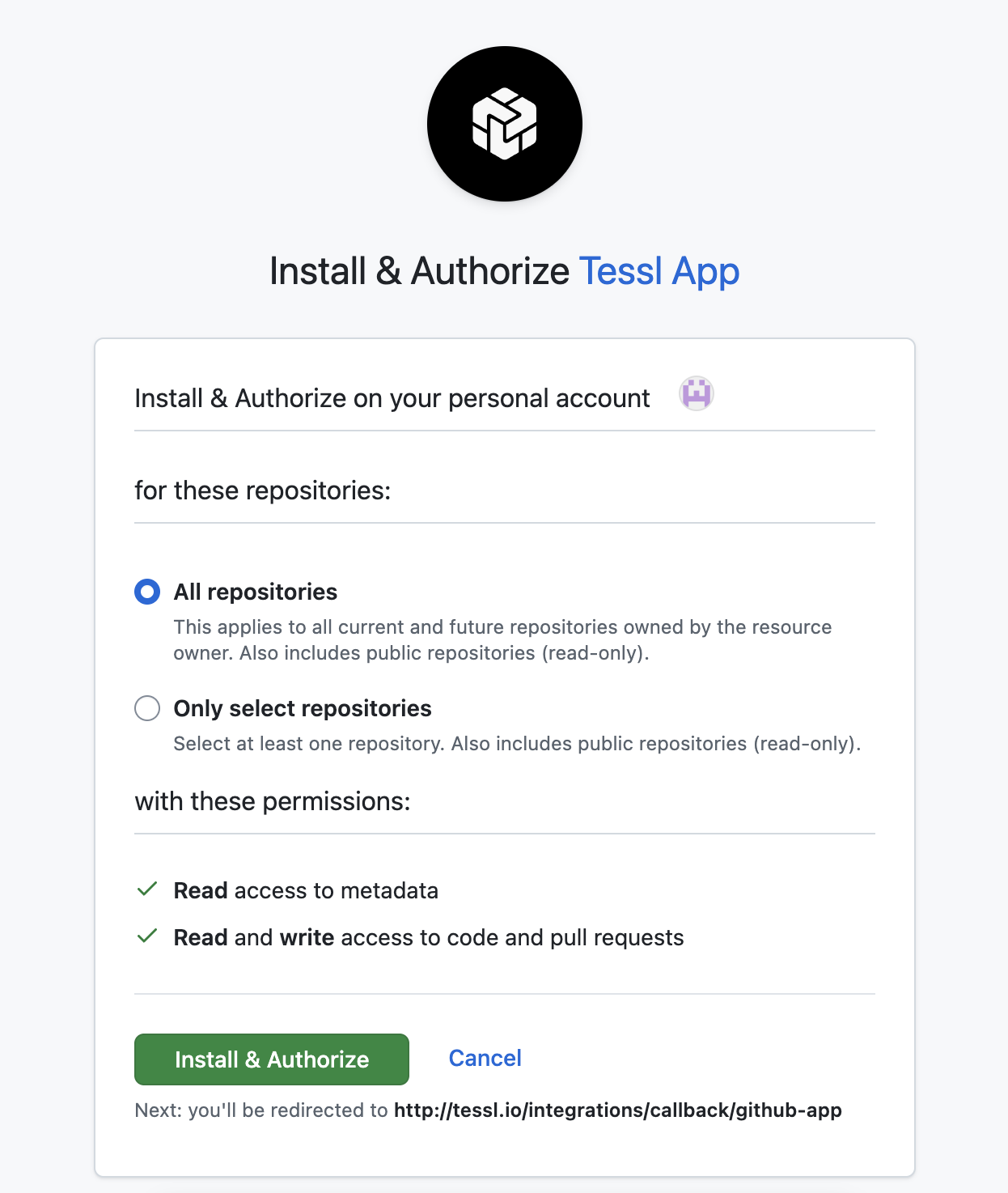
-
If the required permissions are available the Tessl integrations screen will show Connected.

Add or remove Repositories when Only Select Repositories are in use.
If you wish to later add repositories, you will navigate to the Tessl app in GitHub:
-
Click Configure next to the Tessl App.
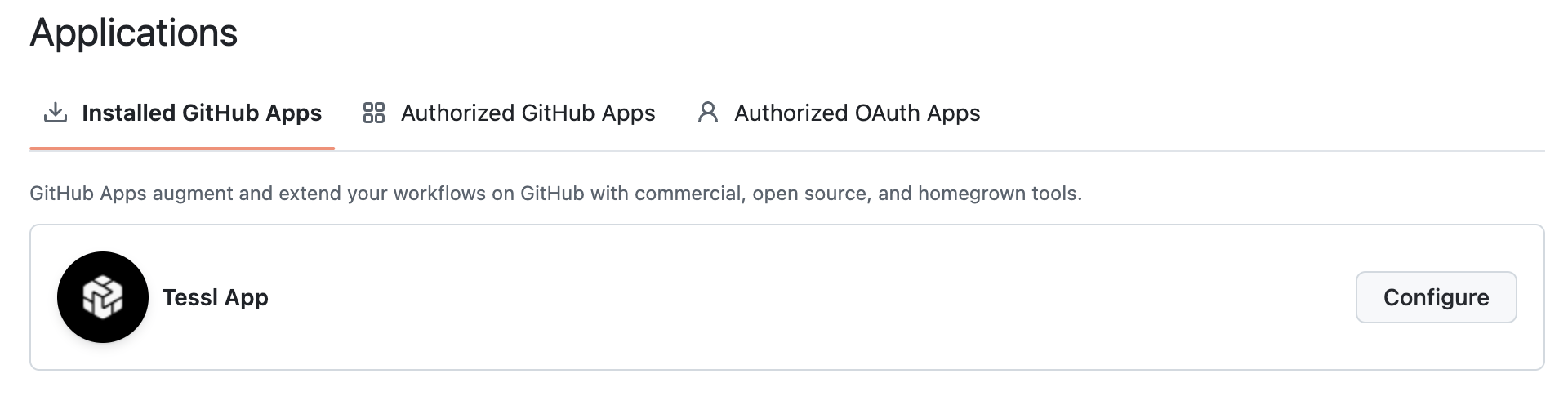
-
Select or remove repositories as needed.

-
Click Save.

Troubleshooting
What if the option to Enable Integration isn't available? In the following example Tessl is not enabled and the user does not have the correct Role within Tessl (manager or owner) so the interface does not provide the option to integrate GitHub. To address this, ensure you have the correct Role within Tessl or request a user with these permissions to setup the integration.

docs
distribute
evaluate
introduction-to-tessl
overview
reference
skills