ARTICLE
How I Scan My Agent Context Across GitHub with Skill Inventory
Skill Inventory helps you map AI agent skills across your GitHub repos, highlight duplication and sprawl, and understand your local skill estate.

Baptiste Fernandez
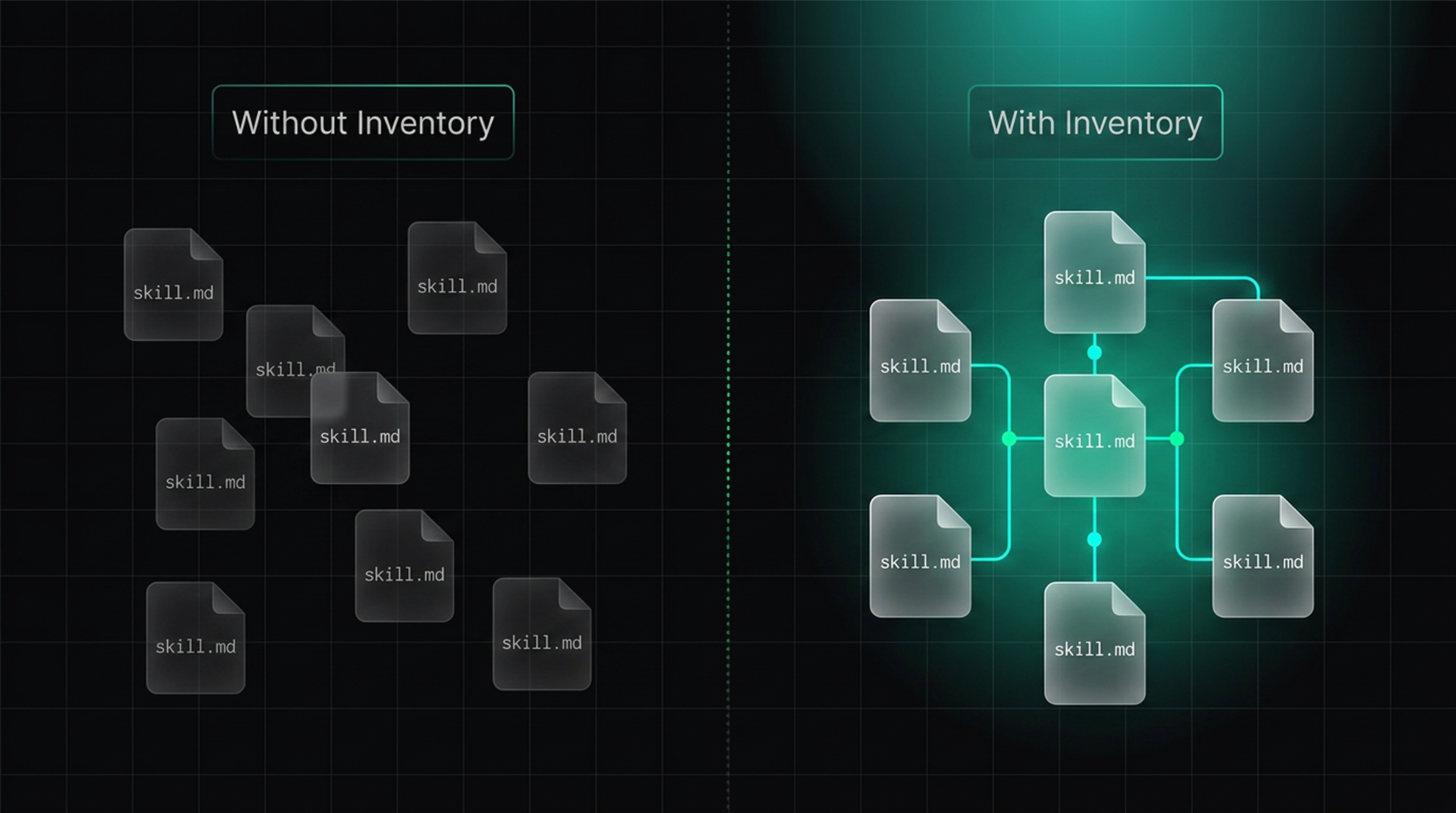
Most teams do not know how many agent skills they have.
That matters because context engineering changes the problem. The work is no longer just about a prompt or a model call.
It is about the skill estate around it, and that is where duplication, overlap, and ownership drift start to matter.
Tessl’s latest Skill Inventory is meant to make that visible. It scans a GitHub org, maps the skills it finds, and turns a loose estate into something you can reason about.
Why should developers care about skill sprawl?
For developers, this shows up in a few concrete ways:
- A change to one skill can affect a different repo you did not mean to touch.
- A duplicate skill can keep drifting because nobody is sure which copy is canonical.
- A linked eval can fan out into more scenarios than the author expected.
- A loose first-party skill can keep living outside the place people actually look for it.
The problem is usually a combination of a few things:
- Skills live in several repos, so there is no obvious single source of truth.
- Variants get copied and changed slightly, so the same idea appears under different names.
- Ownership becomes fuzzy, so nobody knows which copy should be updated first.
- Linked skills can fan out into linked evals and scenarios, so one change can trigger more than expected.
That is not an argument for banning flexibility, but it is an argument for visibility. If a team wants to connect skills to other skills, that can be a legitimate pattern. The important part is understanding the shape of the estate before the next change turns into a chain reaction.
Jame Moss, Member of Technical Staff at Tessl, expands on this in his latest talk at AI DevCon London:
What your Skill Inventory shows
Tessl ‘s skill Inventory is designed to answer the question, "What do we actually have?"
It gives you a map of the skills in your org and lets you slice that map in a few different ways:
- By skill, so you can see the skill itself and where it appears.
- By repo, so you can see where a skill lives in your codebase.
- By finding, so you can focus on the overlaps, unmanaged copies, and other issues that deserve attention.
- By scan history, so you can see what changed between runs.
Teams often know they have a lot of skills, but not how many, not which ones are duplicated, and not which ones are effectively drifting out of standard.
Skill Inventory gives you a useful shortcut: if a skill already exists publicly, you do not need to treat it like an unknown object.
The three views in the webUI reflect that workflow:
1. Estate is the broad map, showing evaluations, uses, findings, and security assessment
2. Triage is the findings view, where you dig into overlaps, variant groups, and other issues.
3. Scan is the history view, so the inventory becomes a living report rather than a one-time audit.
On the triage page, grouped variants make the overlap story easier to read. Instead of hunting through a list of near-duplicates, you can open the group and inspect the detail in one place.
If you want to try it yourself, scan a different GitHub org from the one we used yesterday. There is still one known edge case where already-scanned items can get skipped, but that should not get in the way for a new user.
How I use it in practice
The flow is intentionally simple.
tessl login
tessl inventory import
I do not want the first pass to require a long setup or a new mental model. I want to run a scan, get the inventory, and make the estate visible before I spend time deciding what to change. I actually copy paste the above directly in my agent, and find the process even smoother there!
Skill Inventory runs entirely from your machine and only uses the GitHub access your account already has. That makes it a good starting point when you want a low-friction read on the state of your skills without first copying repos or building a separate index.
Once the scan is done, the value comes from interpretation:
- Which skills are duplicated, and which one looks like the better canonical version?
- Which skills are used in enough places that they should probably be published and governed more deliberately?
- Which files look like orphaned
skill.mddocuments that are drifting around without any clear home? - Which skills are linked to other skills in ways that create accidental fan-out?
Those are not abstract governance questions. They are the questions that determine whether the next change is easy or expensive.
The takeaway
Skills are multiplying across your repos. Most teams have no idea how many they have, who owns them, or how many are near-duplicates of each other. Skill Inventory gives you a map of every skill in your org - what exists, where it's used, and where you're duplicating effort.
Once you can see the estate, the next decisions become easier: which skills to keep, which ones to merge, which ones to publish, and which ones need a harder look before they keep growing.
You can try it today for free: ask your agent to download the Tessl CLI, login and run tessl inventory import.
COPY & SHARE
Baptiste Fernandez
Building AI Native Development community, spotlighting exciting releases and innovations in the space
READING
·
0%
IN THIS POST
COPY & SHARE
Baptiste Fernandez
Building AI Native Development community, spotlighting exciting releases and innovations in the space
YOUR NEXT READ
How Small Can an Agent Model Get? The Nemotron Floor
The article explores the minimum model capacity needed for agent models to function effectively, highlighting the Nemotron family's performance on coding tasks.

Nicolas Fortuin, Baptiste Fernandez